Modeling that
feels direct.
Design furniture and interiors directly in 3D, with dimensions in millimeters, snapping and intuitive Push/Pull. Export cutting outlines as DXF and your cut list as CSV.
The free beta for Apple Silicon Macs is now available to external testers.
From sketch to solid
Everything a lightweight CAD workspace needs — without the bloat.
Sketch & Push/Pull
Draw lines, rectangles and circles directly on faces. Use Push/Pull to turn them into solids, recesses and holes.
Precision in millimeters
Type dimensions, snap to corners and edge midpoints, and move along the axes. Labeled snap points show exactly where your next action starts.
From model to cut list
Export cutting outlines as DXF and compile parts into a CSV cut list — a starting point for planning your workshop project.
Multi-format import
IFC, STEP, FBX, glTF/GLB, OBJ and STL — via drag and drop, “Open With…” or directly from Finder.
Flythrough & viewer
First-person navigation with WASD, automatic framing based on model bounds and a freely positionable, scalable interface.
Native macOS app
A dedicated app bundle with a Retina icon, Launch Services integration and GPU rendering powered by wgpu.
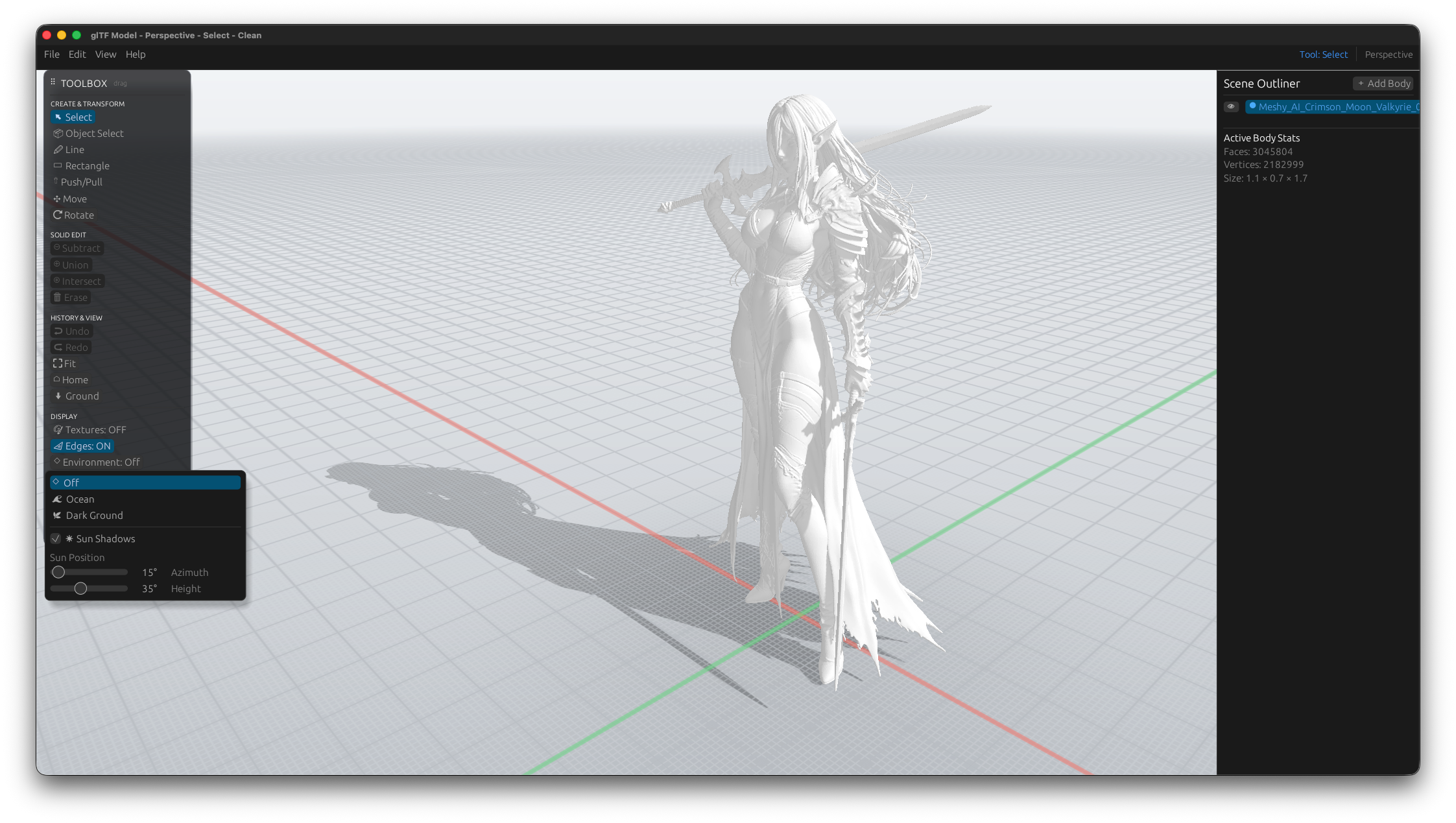
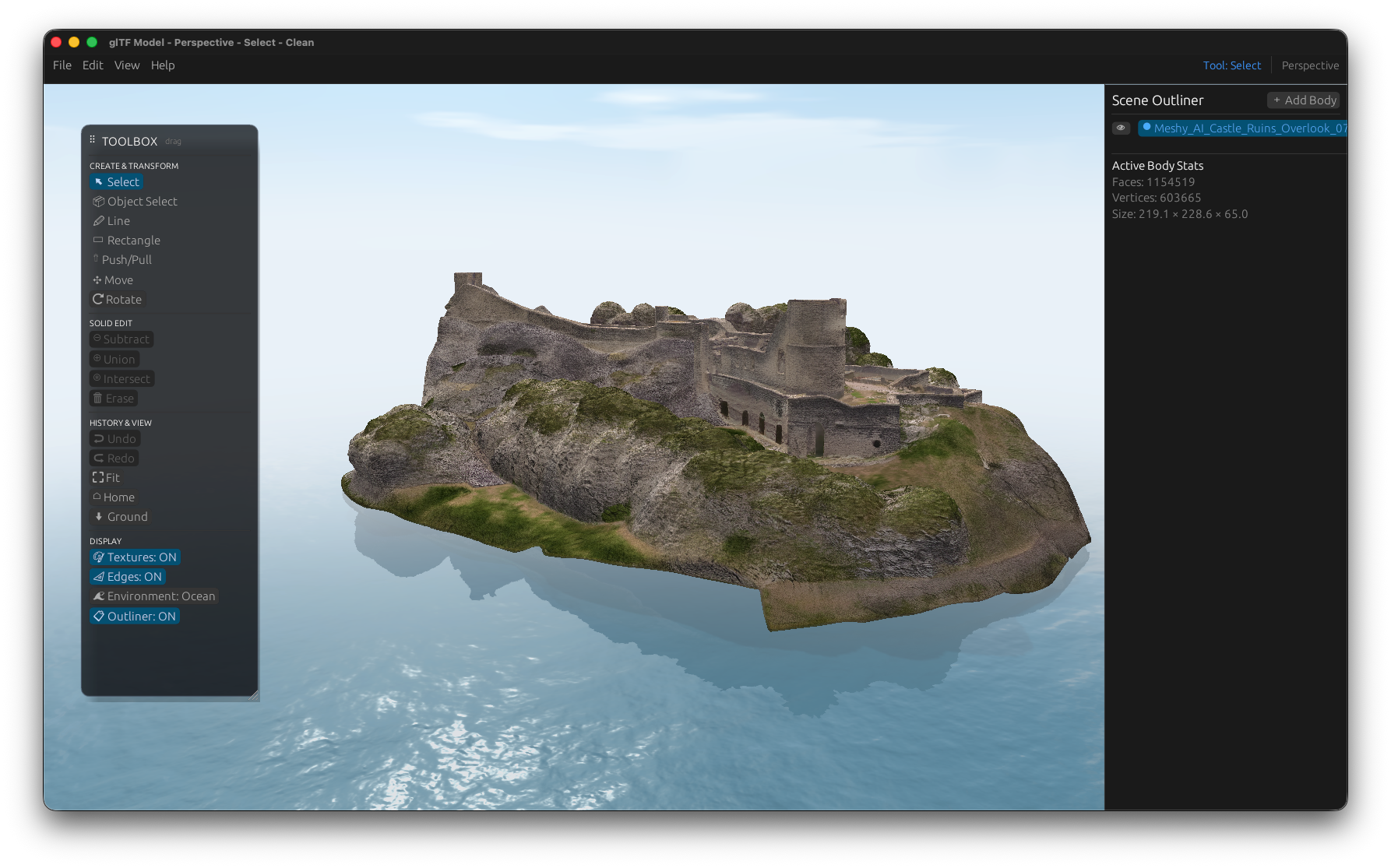
A look inside the studio
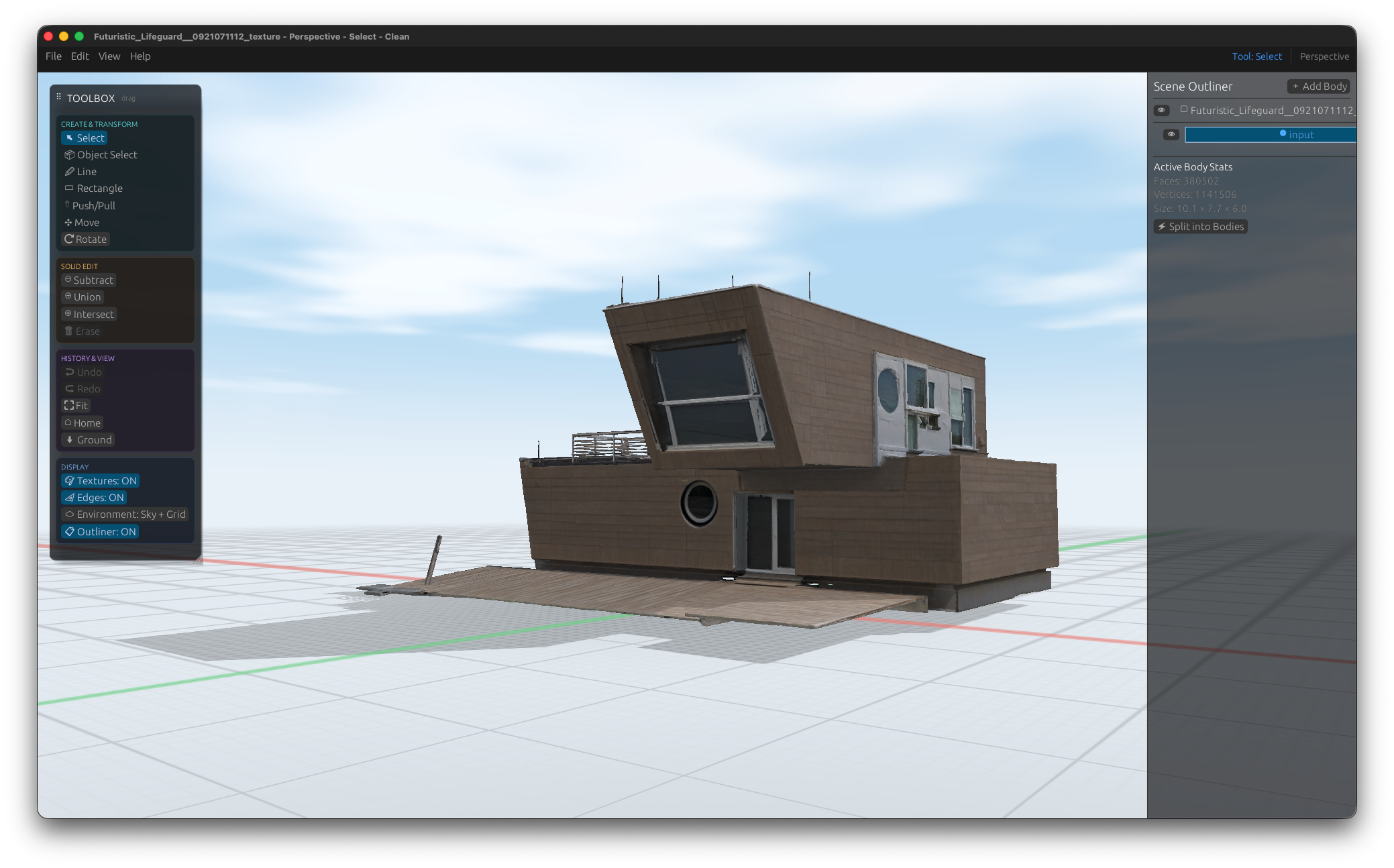
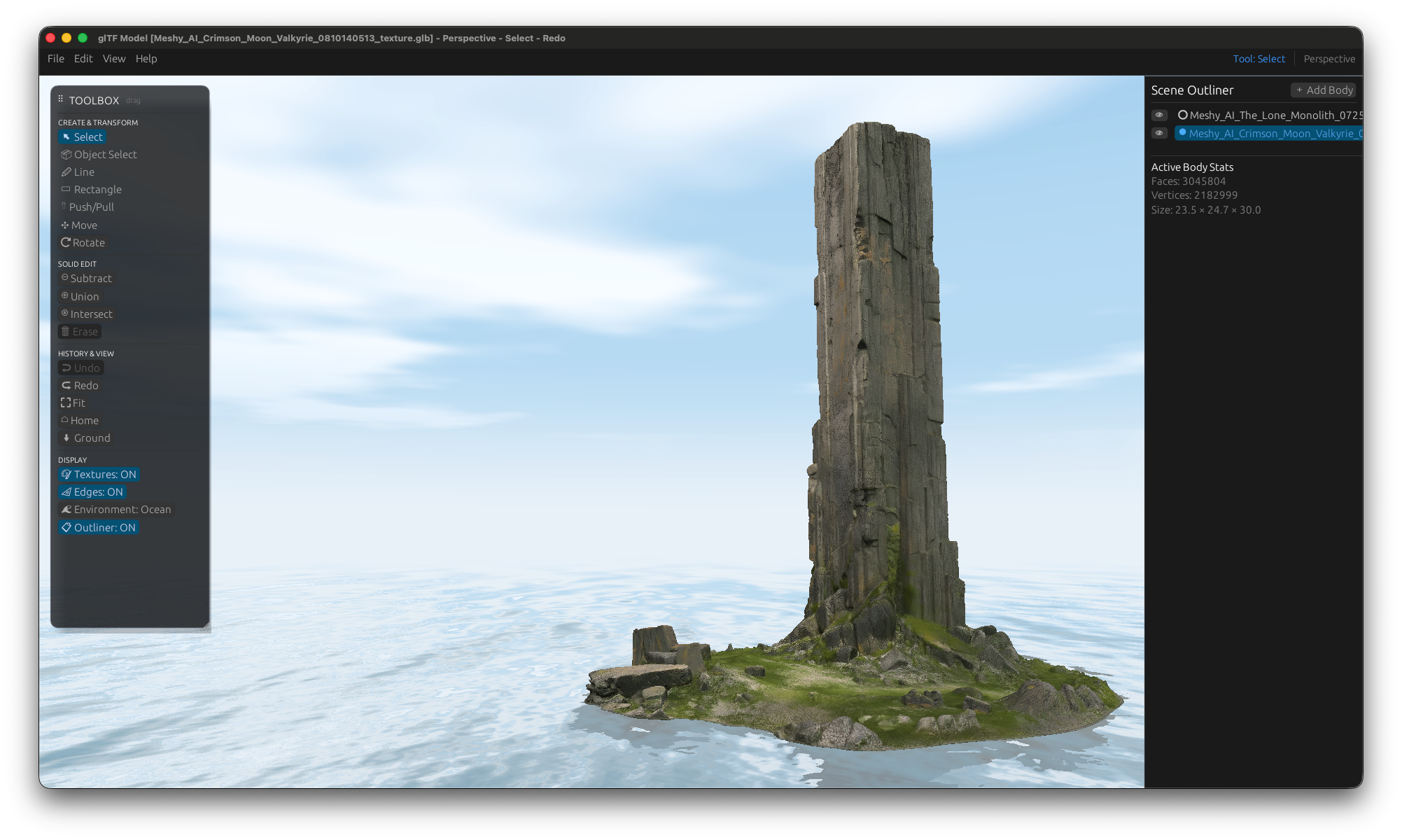
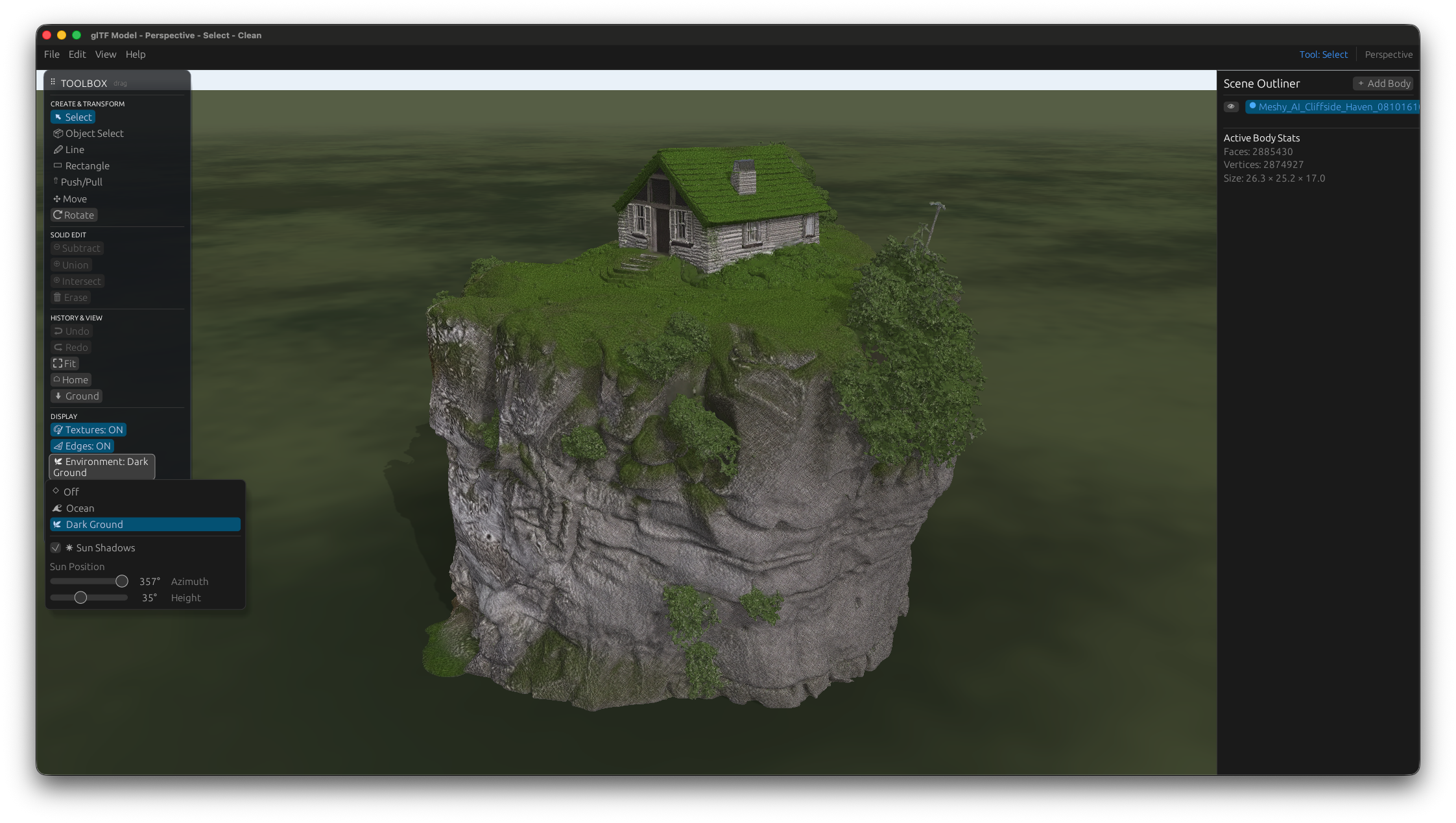
Current development builds — captured directly in the app.
Open to your files
One viewer for everything three-dimensional.
- .forma
- .ifc
- .step / .stp
- .fbx
- .gltf / .glb
- .obj
- .stl
- .usd / .usdz
Build your first model.
A panel with a hole, a small piece of furniture or a pitched roof: try your own design and help shape Mocca Studio with your feedback.
Approved for external testing
Try it now with TestFlightUse the public TestFlight link to join the beta and install Mocca Studio for free. This initial testing round is limited to 10 testers.
This beta: Apple Silicon Mac · Installed through Apple TestFlight
Getting started with the beta
Install TestFlight
Install Apple's free TestFlight app from the Mac App Store.
Join the beta
Open the TestFlight link here, accept the invitation and install Mocca Studio.
Model & share feedback
Try drawing, Push/Pull, snapping and export. Send feedback with a screenshot directly through TestFlight.
Mocca Studio is in development. Keep separate backups of important projects.