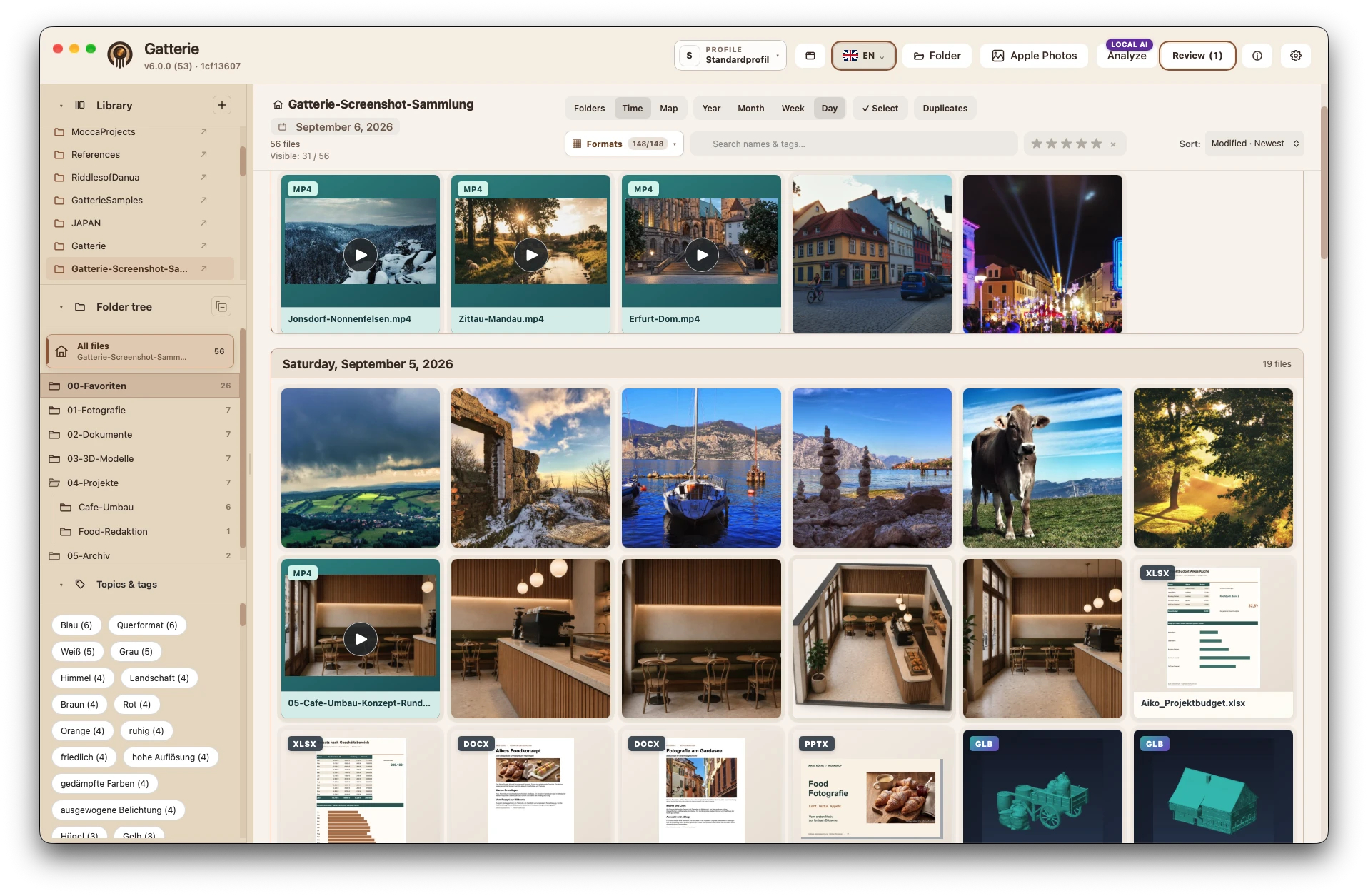
What Gatterie does as an image viewer
Open folders instead of importing
Choose a folder and Gatterie shows what’s in it – as a gallery, folder tree or timeline. Files are not moved or copied into a library.
Photos and camera RAW
JPG, PNG, GIF and WebP, plus RAW files from common cameras such as CR2, CR3, DNG, NEF, ARW, RAF, ORF and RW2.
Find images with search, tags and stars
Search file names and tags, rate images with stars and find your favourites faster.
Timeline and map
See photos by capture date; images with GPS data show where they were taken on a map.
Quick fixes as a copy
Brightness, contrast, straightening and cropping. By default, Gatterie saves the result as a new copy.
More than images
Videos with thumbnails, PDFs, office documents and 3D models in the integrated 3D viewer – in the same view as your photos.
Looking for an IrfanView alternative for Mac?
IrfanView describes itself on its official website as a graphic viewer for Windows. People moving from a Windows PC to a Mac often look for exactly this workflow: open a folder and browse the images in it right away. Gatterie is an independent Mac app built around this folder-first approach – not a clone and not affiliated with IrfanView.
Use the trial to check whether the features you have relied on so far are covered for you. For batch conversion or advanced photo development, we think a dedicated application is the better choice.
Which image formats are shown?
Gatterie shows JPG, PNG, GIF, WebP and camera RAW in the gallery. HEIC photos from iPhone, TIFF, BMP and AVIF are currently not on the format list. You’ll find all supported file types in the format overview.
Your folders stay as they are
Gatterie doesn’t move, rename or delete your files. No import, no catalog: it shows your folders as they are. By default, edited images are saved as a new copy; only an explicitly selected expert option can change the original, after a warning. Removing the app changes nothing in your folders.
Try it with your own folders
The free 14-day trial works with your own folders, with no registration, email address or payment details. Open a folder with photos and RAW files and decide afterwards.
Trial as a DMG, no registration or payment details · Full version as a one-time purchase, no subscription · For Macs with Apple silicon (macOS 12 or later)